


















Instagram Downloader

Download Instagram videos, photos, Reels, and carousels online for free. Paste any public link below to get started.

Free to use. No sign-up or Instagram login needed for public posts.

Download Instagram media online with StorySave

StorySave provides a fast, all-in-one Instagram downloader for saving videos, high-resolution photos, Reels, and carousel slide decks to your mobile phone or computer. Copy the link to any public Instagram post, paste it above, and select your preferred download options without installing third-party apps.

For posts containing multiple photos or video clips, StorySave displays individual cards so you can download specific items or package pictures into a convenient ZIP archive. For story media, visit our homepage Story Downloader or explore the dedicated tools below.
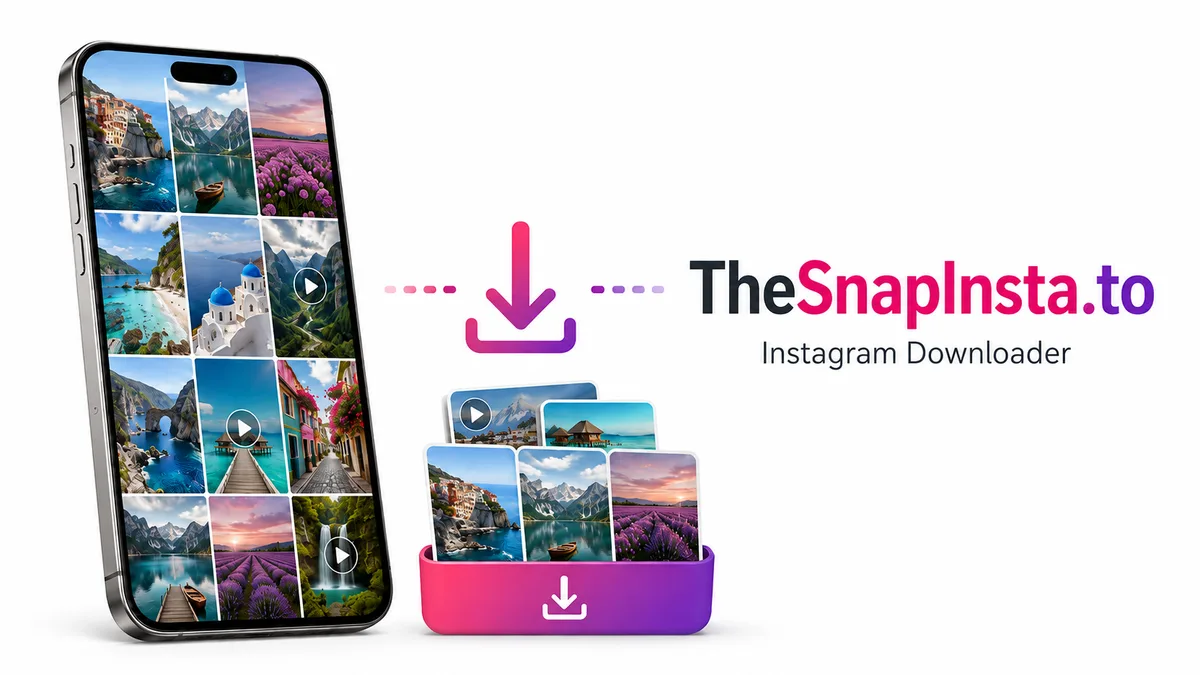
StorySave.to illustration: saving photos and videos from a phone.

How to download from Instagram

You only need the URL of the post, Reel, or photo you want to save. Follow these three quick steps:
1

Copy the Instagram link

Open the photo, video, or Reel on Instagram. Tap the Share menu and select Copy link. In a desktop browser, copy the address directly from the browser bar.
2

Paste into StorySave

Return to this page, paste the URL into the input field above, and click Download. Wait a moment while the content is resolved.
3

Save the media file

Click the Download button next to the returned video or photo. For carousel albums with multiple images, download individual photos or use the ZIP archive option.

Supported Instagram formats

  • Instagram videos

    Download high-definition videos from regular feed posts and watch them offline on any device.

  • Photos and carousels

    Save single photos or extract all slides from multi-image posts with optional 1-click ZIP packaging.

  • Instagram Reels

    Save vertical Reel videos in full 1080p MP4 format with original sound and audio tracks preserved.

  • Stories and Highlights

    Save photos and video clips anonymously from active Stories, or download permanent story albums via the Highlights tool.

  • Profile pictures

    View and download high-resolution profile avatars using an Instagram username or profile link.

  • Batch downloading

    Paste up to five separate Instagram links simultaneously and process all downloads in one batch.

Frequently Asked Questions

Is StorySave free?

Yes. StorySave is completely free to use with no subscription plans or account creation required.

Can I download Instagram videos on iPhone or Android?

Yes. StorySave works directly in mobile browsers like Safari, Chrome, and Samsung Internet. On iPhone, files save via Safari Downloads to the Files app; on Android, files download straight to your Downloads folder.

Do I need to log in with my Instagram account?

No. You never need to enter your Instagram password or connect your personal account to download public content.

Can I download videos in original HD quality?

Yes. StorySave extracts the original MP4 video stream provided by Instagram's CDN, ensuring you receive the highest resolution and bitrate available.

Can I save all photos from a multi-image carousel post?

Yes. Our Photo Downloader lets you save carousel photos individually or bundle up to 20 images into a single ZIP archive.

Why is my Instagram link failing to download?

Verify that the post is still live and publicly accessible. Private posts, deleted media, or temporary rate limits can prevent media extraction.

Where are downloaded files saved?

Check your browser's default download history. On mobile devices, look inside the Files app (iOS) or the Downloads folder (Android).

Can I download content from a private Instagram account?

Public download tools cannot access private profiles. For content you can already view with your personal account, use our Private Downloader workflow.