
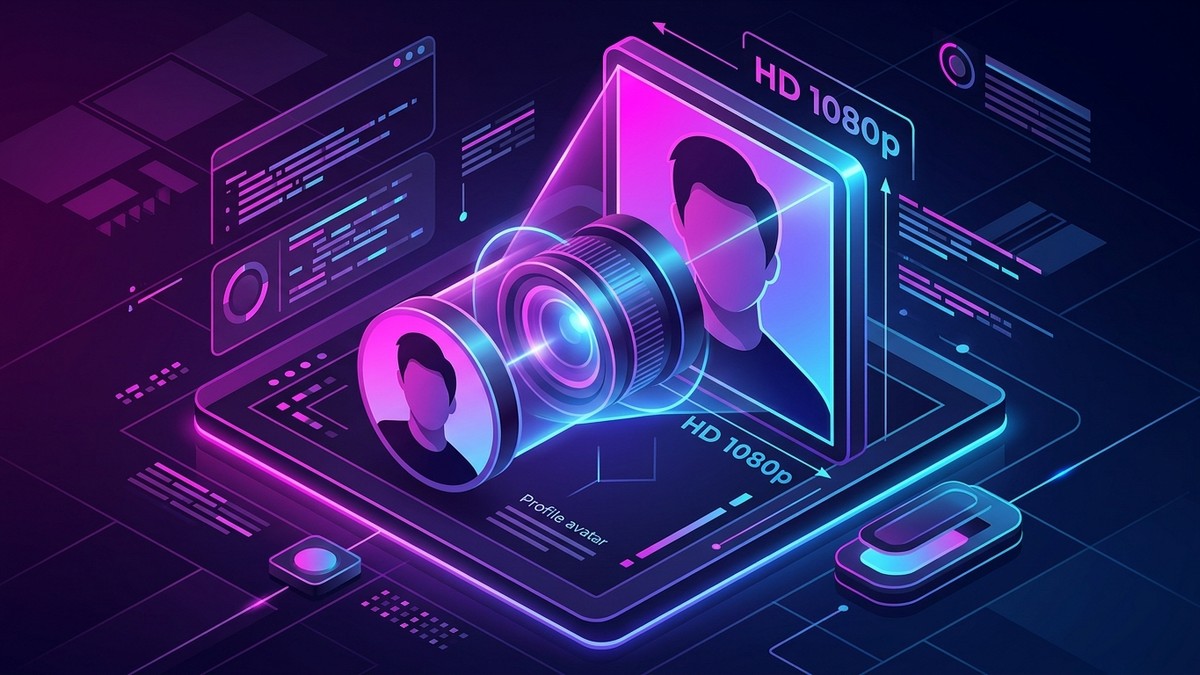
Instagram's user interface has always treated profile pictures—commonly referred to as display pictures or "DP"—as small, circular decorative elements. In the official mobile app, profile avatars are rendered as tiny circular crops, typically measuring just 150x150 pixels on standard displays or 320x320 pixels on high-density Retina screens. Unlike feed posts, tapping on a profile picture in the app does not enlarge it to full screen.
Whether you need to verify an account's authenticity, identify a business logo, or archive your own original profile upload that you lost from your camera roll, getting the full-resolution master image requires understanding how Instagram stores user avatars.
This technical guide explores the server-side CDN hierarchy behind Instagram profile pictures and shows you how to retrieve the original 1080x1080 uncropped HD asset using StorySave Profile Picture Downloader.
1. The CDN Hierarchy: Thumbnails vs. Master Assets
When a user uploads a new profile photo to Instagram, the backend image processing cluster executes an automated resizing workflow:
- Master Ingestion: The original photo uploaded by the user is accepted up to a maximum resolution of 1080x1080 pixels.
- Pyramid Rendition Generation: The image processing pipeline generates multiple downsampled renditions optimized for various UI contexts:
s150x150: Used for small comment avatars and direct message list bubbles.s320x320: Used for profile header displays on mobile smartphones.s640x640: Used for desktop browser profile views.- Original Master (
1080x1080or uncropped): Preserved in Meta's cloud object storage cluster.
- URL Parameter Encoding: The CDN URL for a profile avatar often contains a path pattern like
/s150x150/...or/s320x320/...embedded directly in the URL structure.
When standard web scrapers attempt to capture a user's avatar, they inspect the profile page HTML and grab the first <img> tag they find. This tag almost always points to the downsampled 150x150 thumbnail. When blown up on a monitor, it looks hopelessly blurry and pixelated.
At StorySave, our specialized Instagram Profile Picture Downloader queries the underlying user entity graph, strips the thumbnail dimension parameters, and resolves the direct URI pointing to the uncropped 1080x1080 master asset.
2. Comparison: Thumbnail vs. Master Asset Specifications
| Asset Parameter | In-App Display Avatar | Typical Web Scraper Output | StorySave Full-HD Output |
|---|---|---|---|
| Pixel Dimensions | 150 x 150 to 320 x 320 | 150 x 150 | Up to 1080 x 1080 |
| Crop Geometry | Forced circular mask | Circular or square crop | Original full square asset |
| File Size | 8 KB – 25 KB | ~12 KB | 150 KB – 600 KB |
| Compression Quality | Aggressive JPEG (65% quality) | 65% quality | Original master JPEG (85-92%) |
| Usable for Print/Edit? | Unusable | Unusable | Crisp, print-ready clarity |
3. Do Profile Picture Downloaders Work on Private Accounts?
A frequent point of confusion is whether you can view the full-size profile picture of a private account.
- The Privacy Rule: Posts, Stories, and Reels published by a private account are strictly restricted to approved followers.
- The Profile Picture Exception: On Instagram, a user's profile picture is always public by design. Even if an account is locked down to private, its avatar is broadcast to search results, suggested followers, and comment threads across the entire platform.
- Full-HD Availability: Because the avatar itself is a public asset, StorySave Profile Picture Downloader can retrieve the 1080x1080 HD profile picture for any account—whether public or private—without needing to follow the user or log in.
4. How to Download Any Instagram Profile Picture in HD
Retrieving an uncropped, full-size profile photo with StorySave takes just three steps:
Step 1: Copy the Username or Profile Link
- In the Instagram app: Navigate to the target profile, tap the three dots (
...) in the upper-right corner, and tap Copy Profile URL. - Alternatively: Simply remember the user's exact account handle (e.g.,
username).
Step 2: Input into StorySave
- Open your browser and go to StorySave Profile Picture Downloader.
- Paste the profile URL or type the exact username into the search bar.
Step 3: View and Save Full HD
- Click Download. StorySave parses the user ID, resolves the master asset URL from Meta's CDN, and displays the high-definition image on your screen.
- Click Download Full-Size HD Image to save the uncompressed JPEG directly to your phone's camera roll or desktop download folder.
5. Legitimate Use Cases and Safety Considerations
Preserving or inspecting high-definition profile pictures serves many legitimate purposes:
- Fraud and Impersonation Detection: Verifying whether a suspicious account is impersonating an executive, creator, or friend by examining fine facial features or photo backgrounds.
- Brand Asset Recovery: Recovering high-resolution company logos or brand marks uploaded years ago by a former employee.
- Artist Portfolio Inspection: Viewing digital artwork, graphic illustrations, or photography that creators showcase as their profile identity.
To download full carousel posts or video content from the same account, explore our Instagram Photo Downloader and Instagram Story Downloader.